> For the complete documentation index, see [llms.txt](https://docs.mvlchain.io/llms.txt). Markdown versions of documentation pages are available by appending `.md` to page URLs; this page is available as [Markdown](https://docs.mvlchain.io/user-guide/mvl-bridge.md).
# MVL Bridge
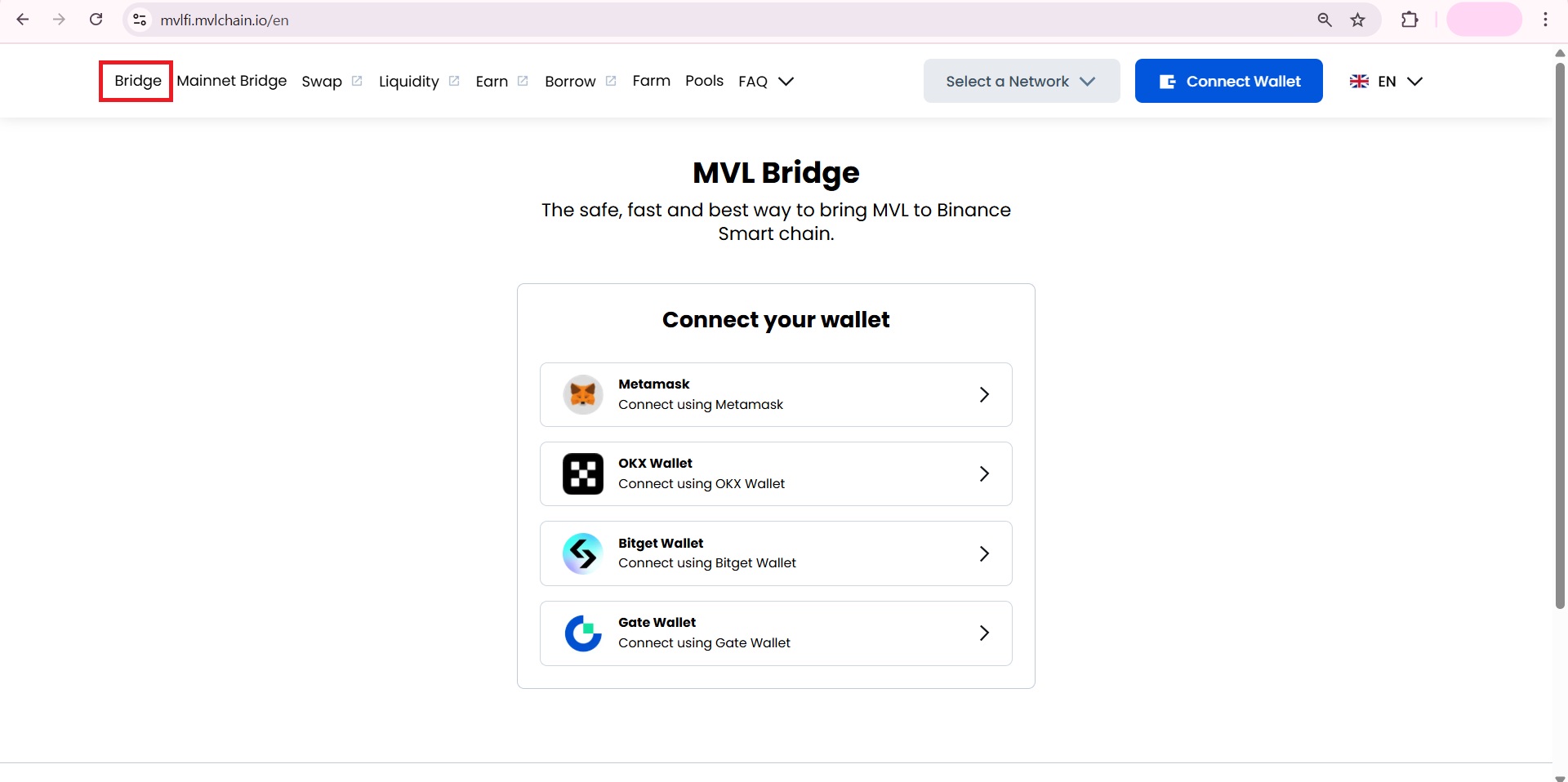
#### 1. Visit the [**MVL Fi website**](https://mvlfi.mvlchain.io/en).
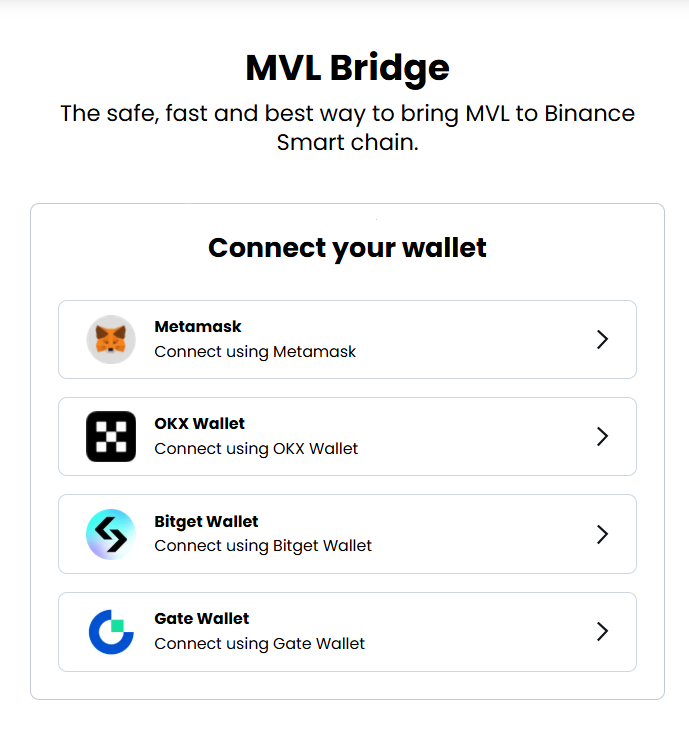
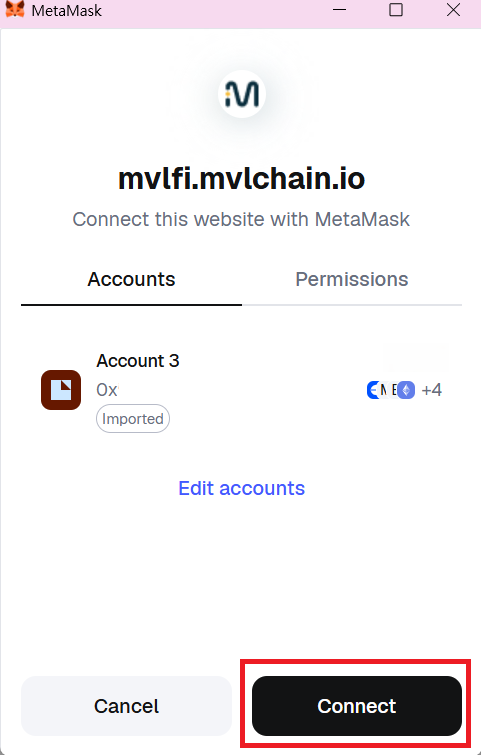
#### 2. Connect your wallet and approve the connection in your wallet.
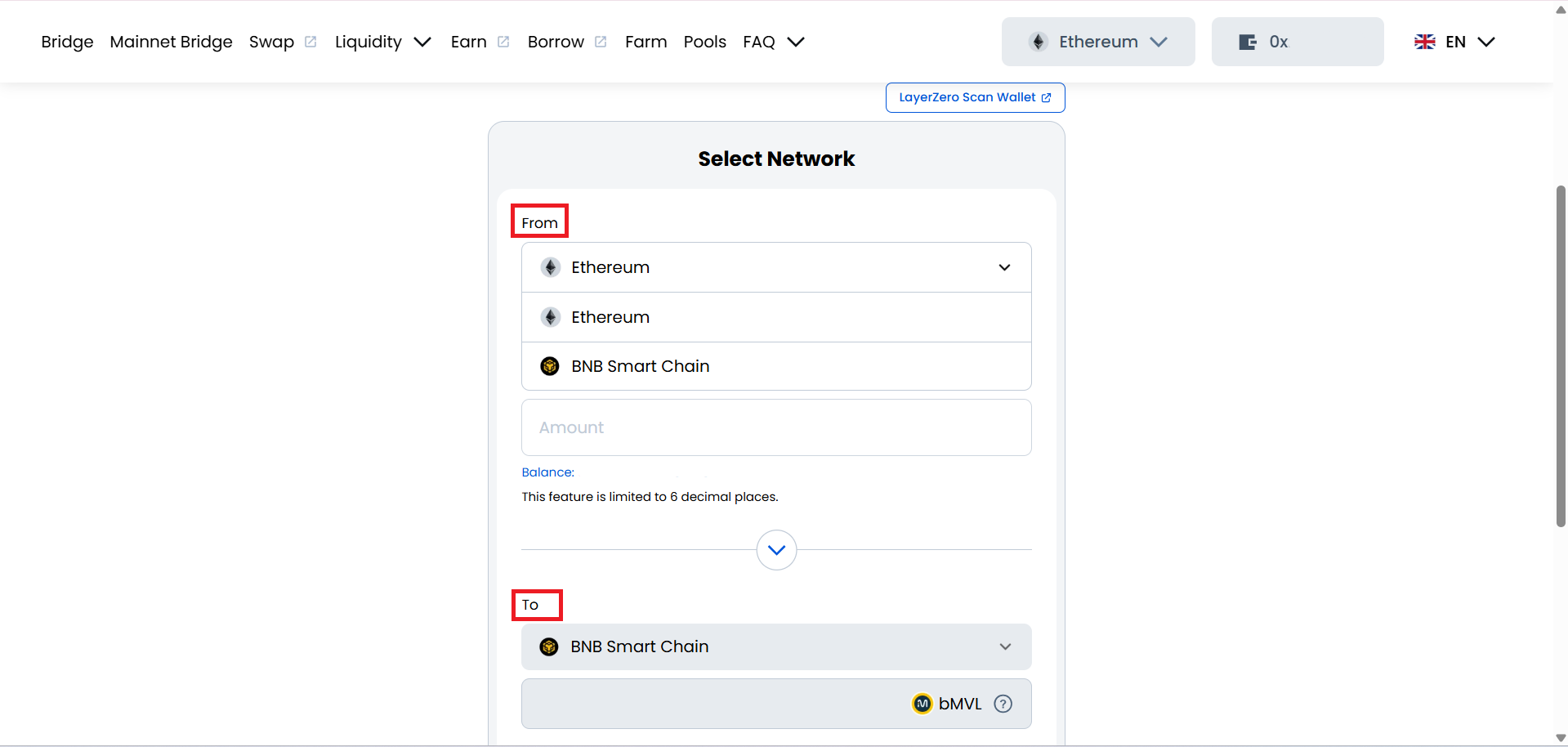
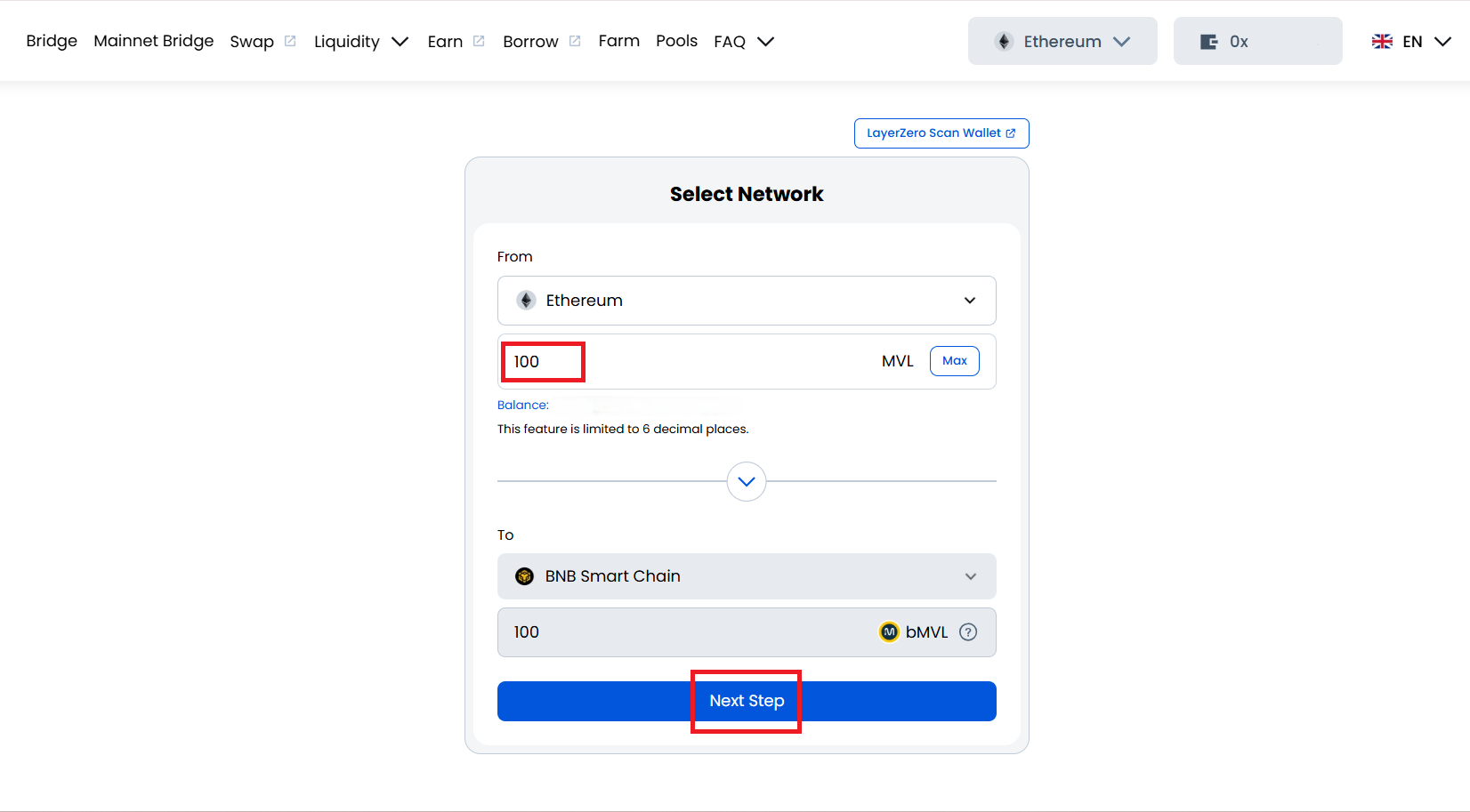
#### 3. Select the source and destination networks.
* ETH → BSC
* BSC → ETH
#### 4. Enter the amount of MVL tokens you want to bridge and click “Next Step”
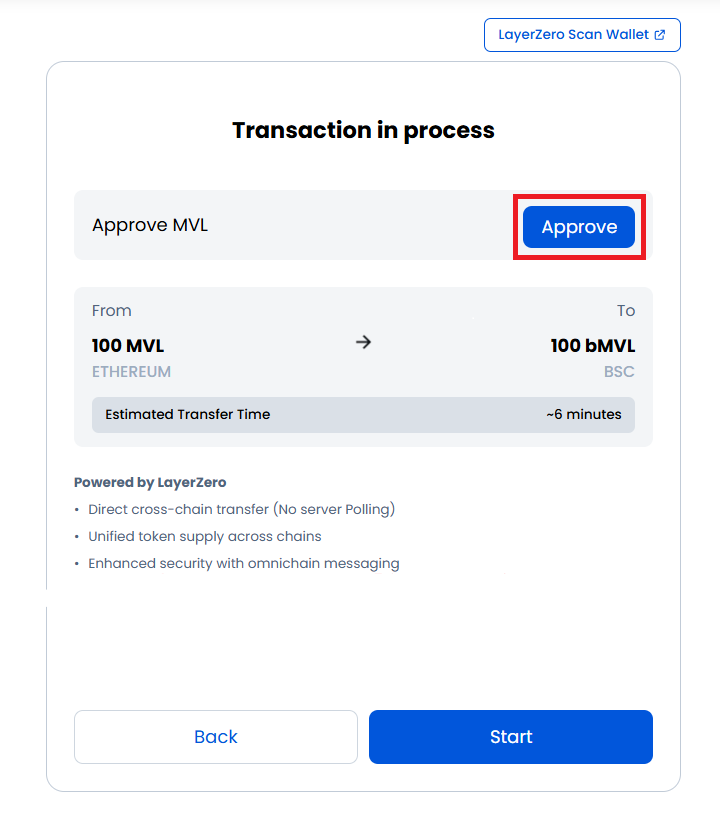
#### 5. Click “Approve” to allow the bridge contract to access your tokens.
* This gives permission for the specified MVL amount to be used in the transaction.
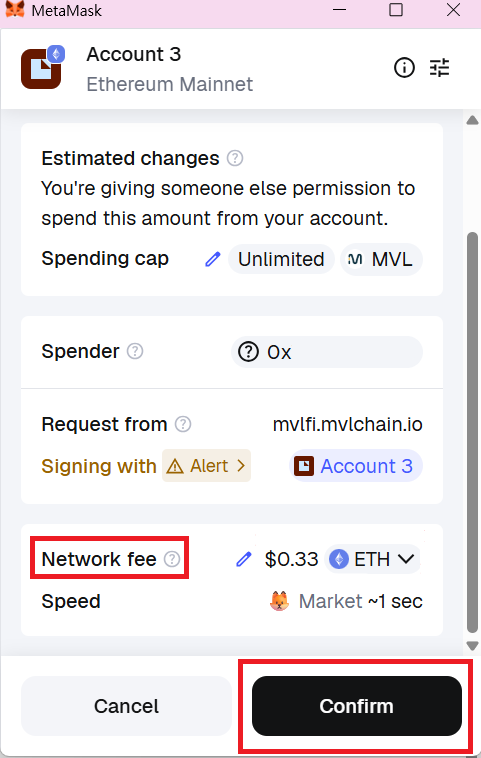
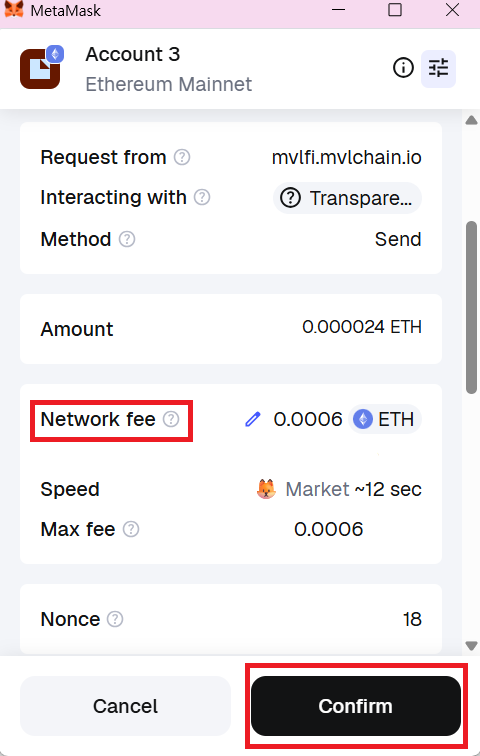
#### 6. Review the network fee and click “Confirm” in your wallet.
* ⚠️ Gas fees may vary depending on network traffic.
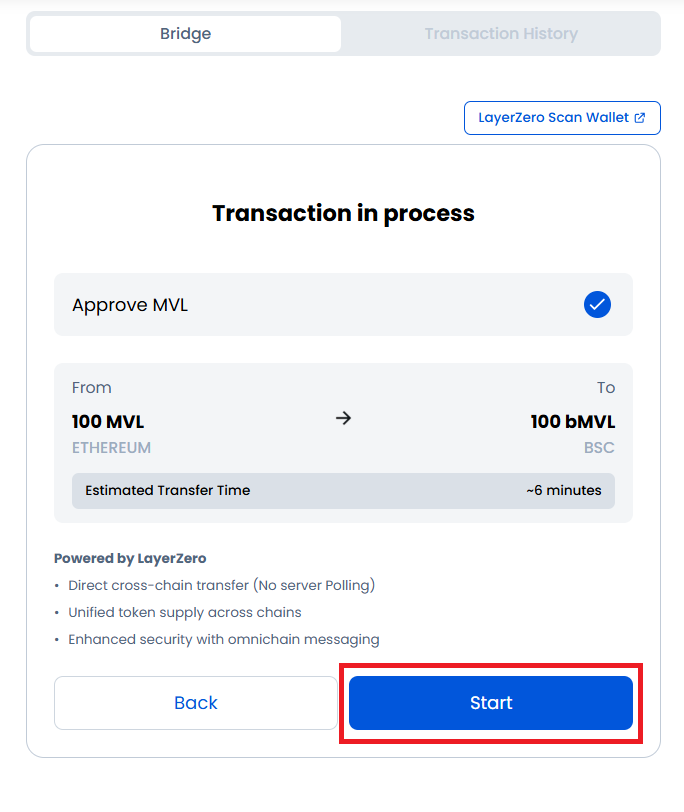
#### 7. After approval, click “Start.”
* A pop-up will appear in your wallet.
* ⚠️ Review the network fee and confirm the transaction.
* ⚠️ Gas fees may vary depending on network traffic.
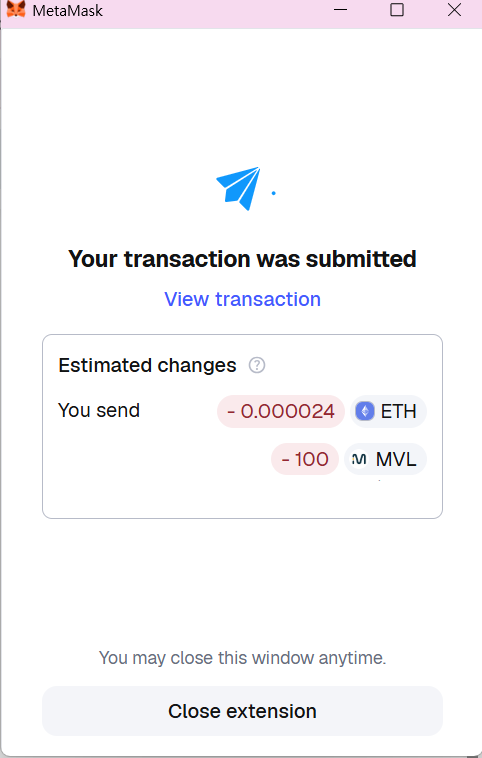
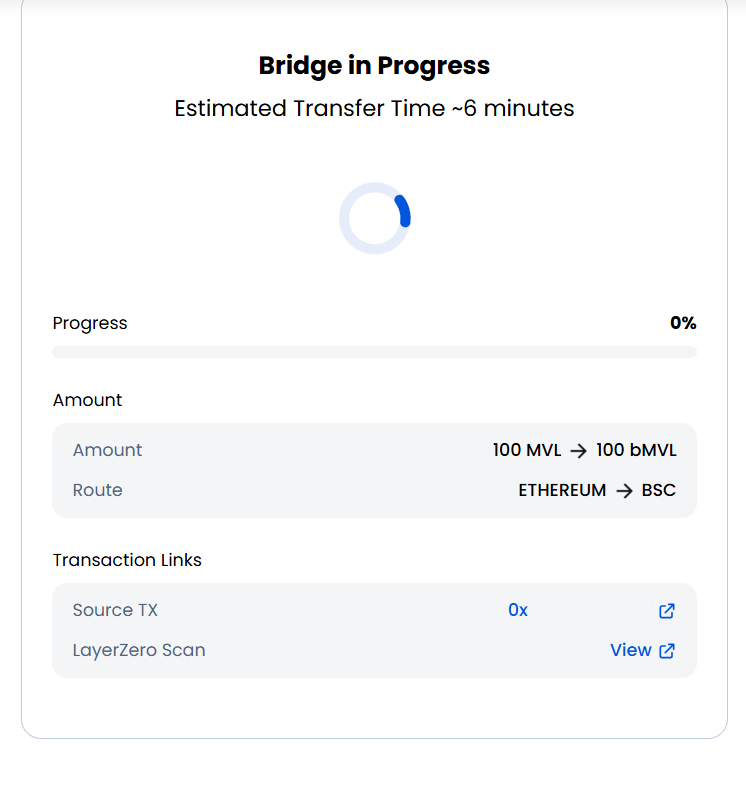
#### 8. Once the transaction is completed, the bridge process will begin.
* This may take up to 6 minutes.
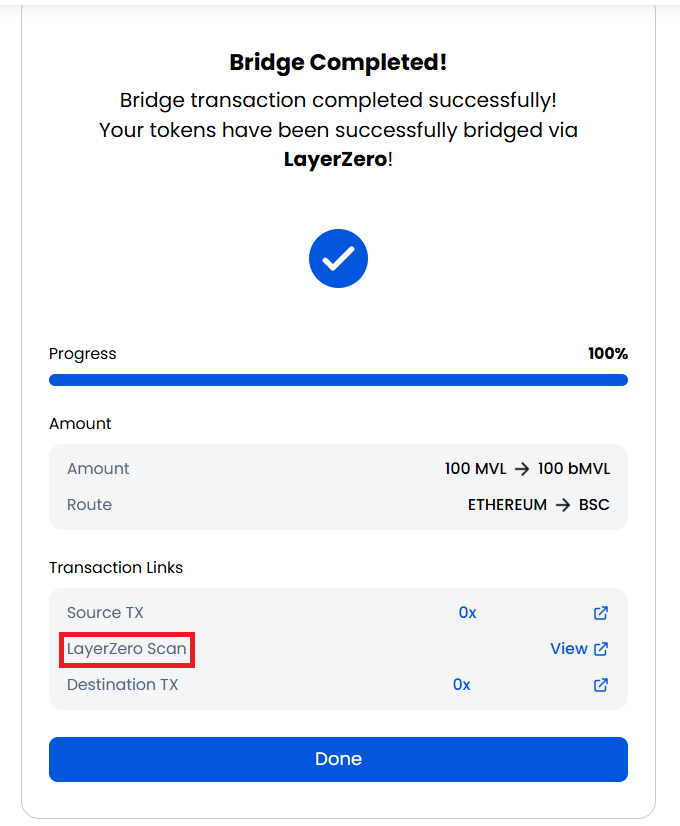
#### 9. When completed, the screen will display “Bridge Completed!”
* You can click the LayerZero Scan link to view transaction details.
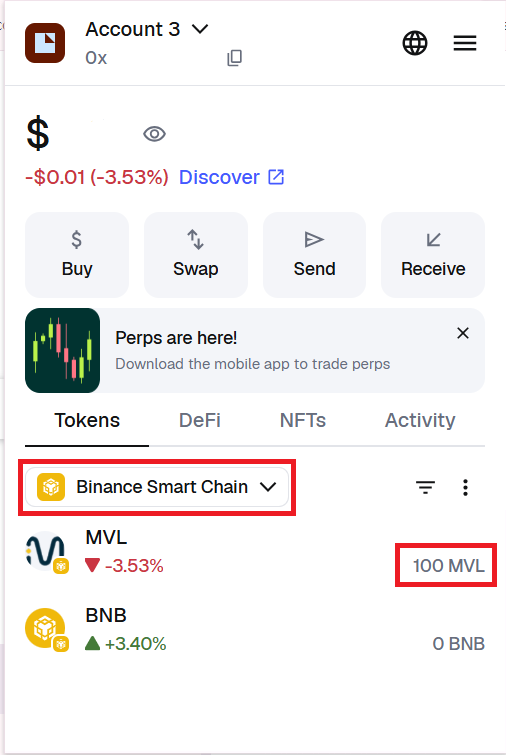
#### 10. Check your wallet
* Switch to the Binance Smart Chain network.
* Your bridged bMVL tokens will appear in your wallet.